- Authors
- Name
Overview
Linuxにはgrepという便利なツールがあります。このツールをうまく活用すると、テキストファイルから有用な情報を抽出することができます。
grep document
grep
$ grep -h
usage: grep [-abcdDEFGHhIiJLlMmnOopqRSsUVvwXxZz] [-A num] [-B num] [-C[num]]
	[-e pattern] [-f file] [--binary-files=value] [--color=when]
	[--context[=num]] [--directories=action] [--label] [--line-buffered]
	[--null] [pattern] [file ...]
options
-A num--after-context:マッチした行の後にnum行を追加表示-B num--before-context:マッチした行の前にnum行を追加表示-C num--context:マッチした行の前後num行を表示-c--count:マッチした結果の行数-E pattern--regexp=pattern:正規表現patternに一致する行を出力-f file--file=file:fileからpatternを読み込む-r--recursive:サブディレクトリを再帰的に検索-n--line-number:行番号を表示-v pattern:該当パターンにマッチする行を除外して出力
examples
以下のようなtest.txtファイルがあると仮定します。
test.txt
$ cat test.txt

apple is sweety
banana is long
apple mango
pitch is
water melon is expensive
grapes are cheep
pear
grep pattern -A num text
$ grep apple -A 2 test.txt
apple is sweety
banana is long
apple mango
pitch is
water melon is expensive
grep pattern -B num text
$ grep apple -B 1 test.txt
apple is sweety
banana is long
apple mango
grep pattern -C num text
$ grep apple -C 1 test.txt
apple is sweety
banana is long
apple mango
pitch is
grep pattern -c text
grep apple -c  test.txt
2
grep -e pattern text
$ grep -e "ap" test.txt
apple is sweety
apple mango
grapes are cheep
grep -f file text
$ cat regex.txt
apple

$ grep -f regex.txt test.txt
apple is sweety
apple mango
grep -n pattern text
$ grep -n appl test.txt
1:apple is sweety
3:apple mango
grep -v pattern word
applを含む行を除外して出力します。
$ grep -v appl test.txt
banana is long
pitch is
water melon is expensive
grapes are cheep
pear
他のコマンドとの組み合わせ
with greater-than(リダイレクション)
grepの結果をoutに保存
$ grep -v appl test.txt > out.txt
$ cat out.txt
banana is long
pitch is
water melon is expensive
grapes are cheep
pear
with awk
最初の単語のみを出力
$ grep -v appl test.txt | awk '{print $1}'
banana
pitch
water
grapes
pear
with sort, uniq
最初の単語をソートして重複を除去
$ grep ap test.txt | awk '{print $1}' | sort | uniq
apple
grapes
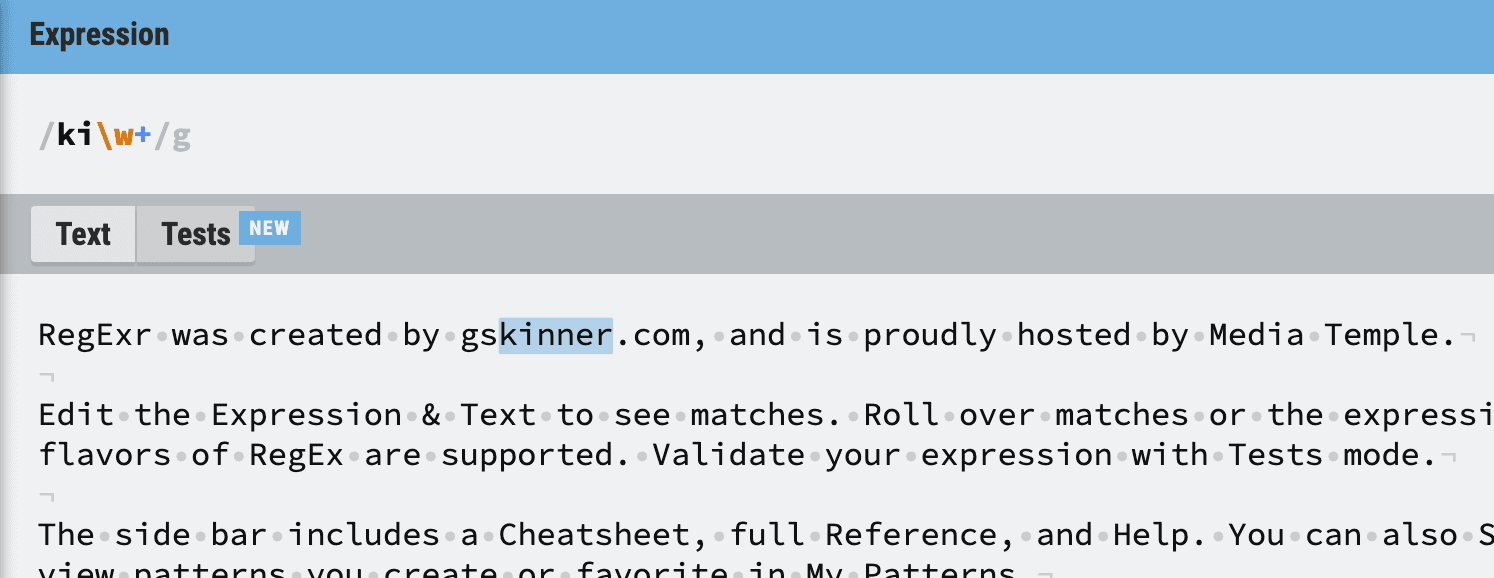
正規表現についてもっと勉強したい、またはテストしたい場合は、regexr.comで学習できます。