- Authors
- Name
Overview
Linux has a useful tool called grep. By making good use of this tool, you can extract useful information from text files.
grep document
grep
$ grep -h
usage: grep [-abcdDEFGHhIiJLlMmnOopqRSsUVvwXxZz] [-A num] [-B num] [-C[num]]
	[-e pattern] [-f file] [--binary-files=value] [--color=when]
	[--context[=num]] [--directories=action] [--label] [--line-buffered]
	[--null] [pattern] [file ...]
options
-A num--after-context: Display num additional lines after the matched line-B num--before-context: Display num additional lines before the matched line-C num--context: Display num lines before and after the matched line-c--count: Count the number of matched lines-E pattern--regexp=pattern: Output lines matching the regular expression pattern-f file--file=file: Read pattern from file-r--recursive: Recursively search subdirectories-n--line-number: Display line numbers-v pattern: Output all lines except those matching the pattern
examples
Let's assume we have a test.txt file with the following content.
test.txt
$ cat test.txt

apple is sweety
banana is long
apple mango
pitch is
water melon is expensive
grapes are cheep
pear
grep pattern -A num text
$ grep apple -A 2 test.txt
apple is sweety
banana is long
apple mango
pitch is
water melon is expensive
grep pattern -B num text
$ grep apple -B 1 test.txt
apple is sweety
banana is long
apple mango
grep pattern -C num text
$ grep apple -C 1 test.txt
apple is sweety
banana is long
apple mango
pitch is
grep pattern -c text
grep apple -c  test.txt
2
grep -e pattern text
$ grep -e "ap" test.txt
apple is sweety
apple mango
grapes are cheep
grep -f file text
$ cat regex.txt
apple

$ grep -f regex.txt test.txt
apple is sweety
apple mango
grep -n pattern text
$ grep -n appl test.txt
1:apple is sweety
3:apple mango
grep -v pattern word
Output lines excluding those containing "appl".
$ grep -v appl test.txt
banana is long
pitch is
water melon is expensive
grapes are cheep
pear
Combining with other commands
with greater-than (redirection)
Save grep results to out
$ grep -v appl test.txt > out.txt
$ cat out.txt
banana is long
pitch is
water melon is expensive
grapes are cheep
pear
with awk
Print only the first word
$ grep -v appl test.txt | awk '{print $1}'
banana
pitch
water
grapes
pear
with sort, uniq
Sort the first word and remove duplicates
$ grep ap test.txt | awk '{print $1}' | sort | uniq
apple
grapes
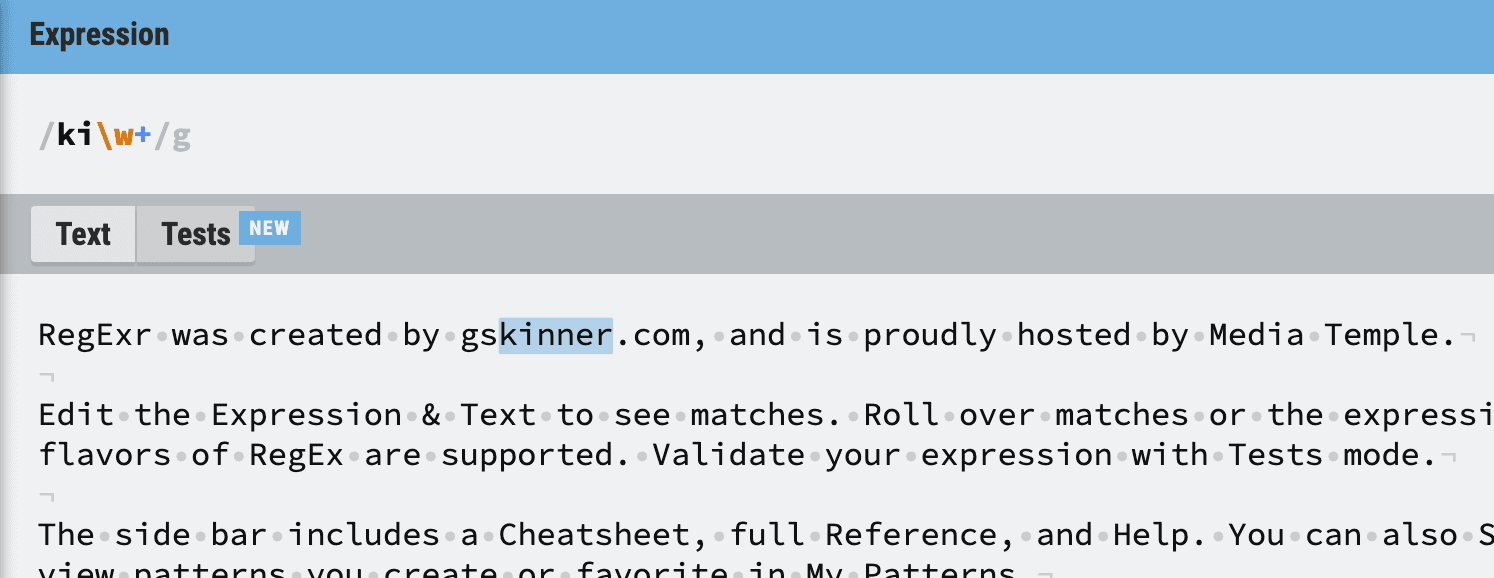
If you want to study or test regex further, check out regexr.com.