- Authors
- Name
- Introduction
- Types of 3D Printers
- Part 1: Fusion 360 Modeling
- Part 2: OpenSCAD (3D Modeling with Code)
- Part 3: Slicer Settings
- Troubleshooting
Introduction
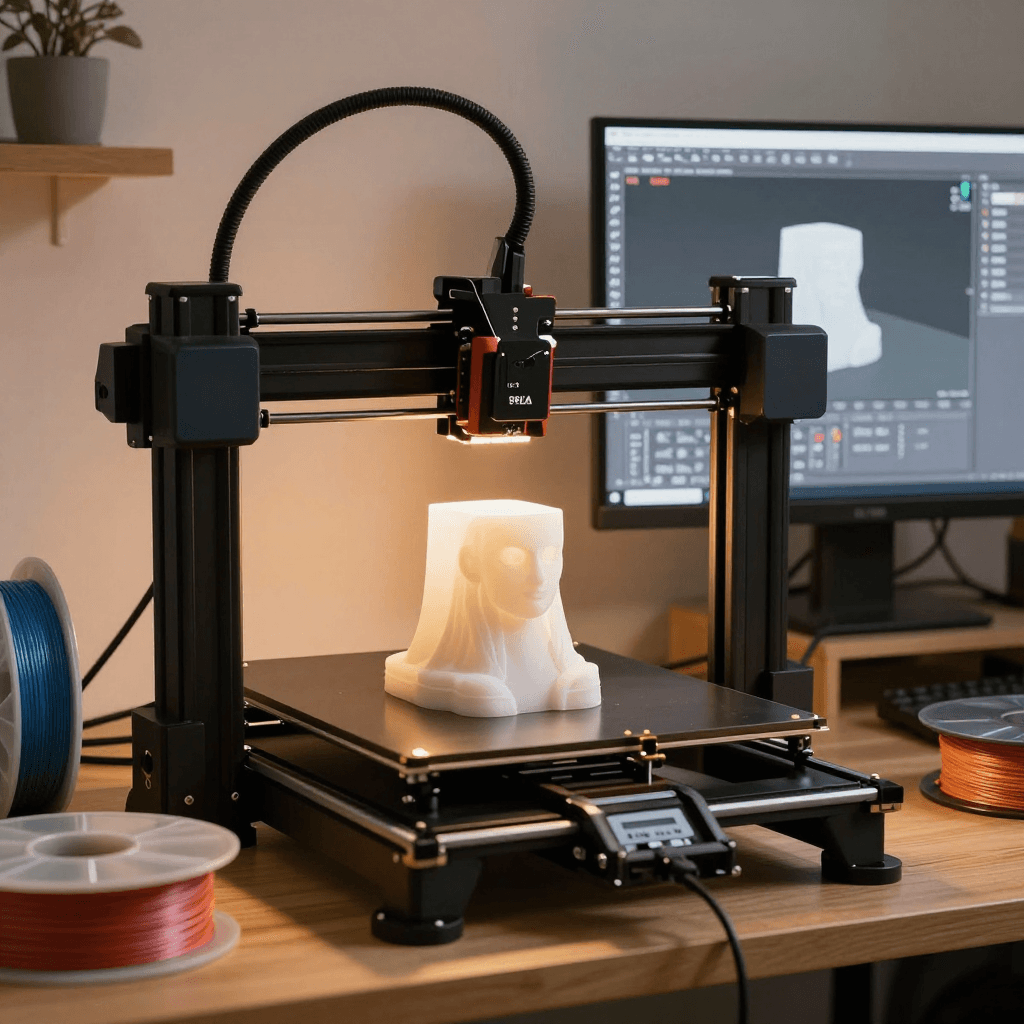
A 3D printer is a tool that turns ideas into physical objects. Arduino cases, drone parts, keycaps, figurines — you can make anything you can imagine. This guide covers the entire process from modeling to printing.
Types of 3D Printers
FDM vs SLA vs SLS
| Category | FDM | SLA (Resin) | SLS |
|---|---|---|---|
| Principle | Melts filament & stacks | Cures resin with UV light | Sinters powder with laser |
| Resolution | 100-400um | 25-100um | 80-120um |
| Materials | PLA, PETG, ABS, TPU | UV resin | Nylon, PA12 |
| Price (Entry) | $150-400 | $200-500 | $4,000+ |
| Post-processing | Support removal, sanding | Washing + post-curing required | Powder removal |
| Use Cases | Cases, parts, prototypes | Figurines, jewelry, dental | Industrial parts, small batch |
| Recommended | Bambu Lab A1 mini | Elegoo Saturn 4 | - (Industrial) |
FDM Filament Comparison
| Filament | Temp | Bed | Strength | Features |
|---|---|---|---|---|
| PLA | 190-220°C | 60°C | Medium | Easiest, eco-friendly, low odor |
| PETG | 220-250°C | 80°C | High | Chemical resistant, transparent option, practical |
| ABS | 230-260°C | 100°C | High | Heat resistant, high shrinkage, ventilation required |
| TPU | 210-230°C | 50°C | Flexible | Rubber-like flexibility, phone cases |
| ASA | 240-260°C | 100°C | High | UV resistant, outdoor use |
Part 1: Fusion 360 Modeling
Basic Workflow
1. Sketch (2D Drawing)
   ├── Rectangle, Circle, Line
   ├── Dimension (dimensional constraints)
   └── Constraint (horizontal, vertical, symmetric)

2. 3D Conversion
   ├── Extrude: give 2D a 3D height
   ├── Revolve: rotate 2D around an axis
   ├── Loft: connect between two profiles
   └── Sweep: move profile along a path

3. Modification
   ├── Fillet: round edges
   ├── Chamfer: bevel edges
   ├── Shell: hollow out
   ├── Mirror: duplicate to opposite side
   └── Pattern: circular/linear repetition

4. Export
   └── STL or 3MF (for slicer)
Arduino Case Example
Fusion 360 Steps:
1. New Sketch (XY Plane)
2. Rectangle: 70mm x 55mm (Arduino Uno size + clearance)
3. Extrude: 25mm height
4. Shell: 2mm wall thickness (top open)
5. Sketch (inner wall): USB port hole (12mm x 11mm)
6. Extrude Cut: USB hole through
7. Sketch (bottom): 4 mount holes (M3, dia 3.2mm)
8. Extrude Cut: holes through
9. Fillet: exterior edges 3mm
10. Lid: New Body -> Sketch 72mm x 57mm -> Extrude 2mm
    -> Internal protrusion 1.5mm (snap fit)
11. Export -> STL (High Resolution)
3D Print Design Rules
Design Rules (FDM basis):
├── Minimum wall thickness: 1.2mm (0.4mm nozzle x 3 lines)
├── Minimum hole diameter: 2mm
├── Press-fit tolerance: +0.2~0.3mm (tight fit: +0.1mm)
├── Screw hole: -0.2mm (M3 = model at dia 2.8mm)
├── Overhang: 45 degrees or less (no support needed)
├── Bridge: max 50mm (no support needed)
├── Minimum detail: 0.4mm (nozzle diameter)
├── Text protrusion: minimum 0.6mm
├── Snap fit: hook 1mm + gap 0.3mm
└── 45-degree rule: tilt over 45 degrees -> support needed
Part 2: OpenSCAD (3D Modeling with Code)
// Perfect for developers! Create 3D models with code

// Arduino case (parametric)
board_w = 68.6;  // Arduino Uno dimensions
board_h = 53.3;
board_d = 15;    // component height

wall = 2;        // wall thickness
clearance = 0.5; // press-fit tolerance

// Body
difference() {
    // Outer box
    rounded_box(
        board_w + wall*2 + clearance*2,
        board_h + wall*2 + clearance*2,
        board_d + wall,
        r = 3
    );
    // Inner space
    translate([wall, wall, wall])
        cube([board_w + clearance*2, board_h + clearance*2, board_d + 1]);
    // USB port hole
    translate([-1, wall + 10, wall + 3])
        cube([wall + 2, 12, 11]);
    // Power jack hole
    translate([-1, wall + 30, wall + 2])
        cube([wall + 2, 10, 12]);
}

// M3 mount holes
mount_positions = [[14, 2.5], [15.3, 50.7], [66.1, 7.6], [66.1, 35.6]];
for (pos = mount_positions) {
    translate([pos[0] + wall + clearance, pos[1] + wall + clearance, 0])
        cylinder(d = 3.2, h = wall, $fn = 20);
}

// Module: rounded box
module rounded_box(w, h, d, r) {
    hull() {
        for (x = [r, w-r], y = [r, h-r])
            translate([x, y, 0]) cylinder(r = r, h = d, $fn = 30);
    }
}

// Generate STL from CLI:
// openscad -o case.stl case.scad
OpenSCAD Core Syntax:
├── cube([x,y,z])         — rectangular prism
├── cylinder(d, h)        — cylinder
├── sphere(r)             — sphere
├── translate([x,y,z])    — move
├── rotate([x,y,z])       — rotate
├── scale([x,y,z])        — scale
├── difference()          — A - B (subtract)
├── union()               — A + B (combine)
├── intersection()        — A ∩ B (intersect)
├── hull()                — convex hull
├── linear_extrude(h)     — 2D -> 3D extrusion
└── rotate_extrude()      — 2D -> 3D revolution
Part 3: Slicer Settings
Key Parameters
Cura / PrusaSlicer Common Settings:

Layer Height:
├── 0.12mm: High quality (slow, for figurines)
├── 0.20mm: Standard (general parts)
├── 0.28mm: Ultra fast (prototypes, testing)
└── Rule: 25-75% of nozzle diameter (0.4mm nozzle -> 0.1-0.3mm)

Walls / Top-Bottom Thickness:
├── Wall line count: 3-4 (1.2-1.6mm)
├── Top/bottom layers: 4-5 (0.8-1.0mm)
└── Increase walls for more strength

Infill:
├── 10-15%: Decorative (weak)
├── 20-30%: General parts (standard)
├── 40-60%: Mechanical parts (strong)
├── 100%: Solid (strongest, slow)
└── Patterns: Grid (standard), Gyroid (strength/flexibility), Lightning (fast)

Support:
├── Overhang angle: 45 degrees (default)
├── Support density: 10-15% (default)
├── Support Z distance: 0.2mm (easy removal)
└── Tree support: recommended for complex models

Speed:
├── Outer wall: 30-50mm/s (quality)
├── Inner wall: 60-80mm/s
├── Infill: 80-150mm/s (speed)
├── Travel: 150-250mm/s
└── Bambu Lab: 300mm/s+ (acceleration 20000mm/s²)

Temperature:
├── PLA: Nozzle 200°C, Bed 60°C
├── PETG: Nozzle 235°C, Bed 80°C
├── ABS: Nozzle 245°C, Bed 100°C (enclosure required!)
└── First layer: +5°C, speed 50% (for adhesion)
G-code Basics
; 3D printer commands = G-code
G28           ; Home position (origin)
G29           ; Auto leveling
M104 S200     ; Set nozzle temperature to 200°C
M140 S60      ; Set bed temperature to 60°C
M109 S200     ; Wait until nozzle reaches temperature
M190 S60      ; Wait until bed reaches temperature

G1 X50 Y50 F3000  ; Move to X50 Y50 (3000mm/min)
G1 Z0.2 F300      ; Z 0.2mm (first layer height)
G1 X100 E10 F1500 ; Move to X100 while extruding 10mm
G1 Y100 E20       ; Move to Y100 while extruding more

M106 S128     ; Fan 50% (0-255)
M84           ; Disable motors
M104 S0       ; Turn off nozzle heater
Troubleshooting
Problem -> Cause -> Solution:

First layer not sticking:
  -> Bed leveling / nozzle too high
  -> Lower Z offset, increase bed temp, use adhesive

Stringing:
  -> Insufficient retraction
  -> Increase retraction distance to 6mm+, speed to 40mm/s+, lower temp

Layer separation:
  -> Poor layer adhesion
  -> Increase temp, lower fan speed, use enclosure

Elephant foot:
  -> First layer over-squished
  -> Raise Z offset, first layer flow 90%

Clogging:
  -> Heat creep / contaminants
  -> Cold pull, replace nozzle, check PTFE tube
Quiz — 3D Printer Modeling (Click to check!)
Q1. What is the key difference between FDM and SLA? ||FDM: melts filament and stacks layers (100-400um), affordable, large prints possible. SLA: cures resin with UV (25-100um), high resolution, for figurines/dental. FDM is for functional parts, SLA for precision models||
Q2. What is the tradeoff between 0.12mm and 0.28mm layer height? ||0.12mm: high quality, layer lines invisible, 2.3x print time. 0.28mm: fast, visible layer lines, similar strength. Within 25-75% of nozzle diameter (0.4mm)||
Q3. What is the 45-degree overhang rule? ||Surfaces tilted beyond 45 degrees print in mid-air without support below, causing sagging. Below 45 degrees, the previous layer provides adequate support. Beyond 45 degrees, support is needed||
Q4. What is the difference between OpenSCAD's difference, union, and intersection? ||difference: subtracts B from A (holes). union: combines A and B. intersection: keeps only the overlapping part of A and B. This is the CSG (Constructive Solid Geometry) approach||
Q5. Why is the Gyroid infill pattern good? ||Uniform strength in all directions, flexibility, allows resin/water drainage (non-solid). Superior isotropic strength compared to Grid, and less vibration during printing||