- 들어가며
- Terraform State란?
- Remote Backend 구성
- State Locking 심화
- State 분리 전략
- State 마이그레이션
- State 백업과 복구
- 보안 베스트 프랙티스
- 마무리
들어가며
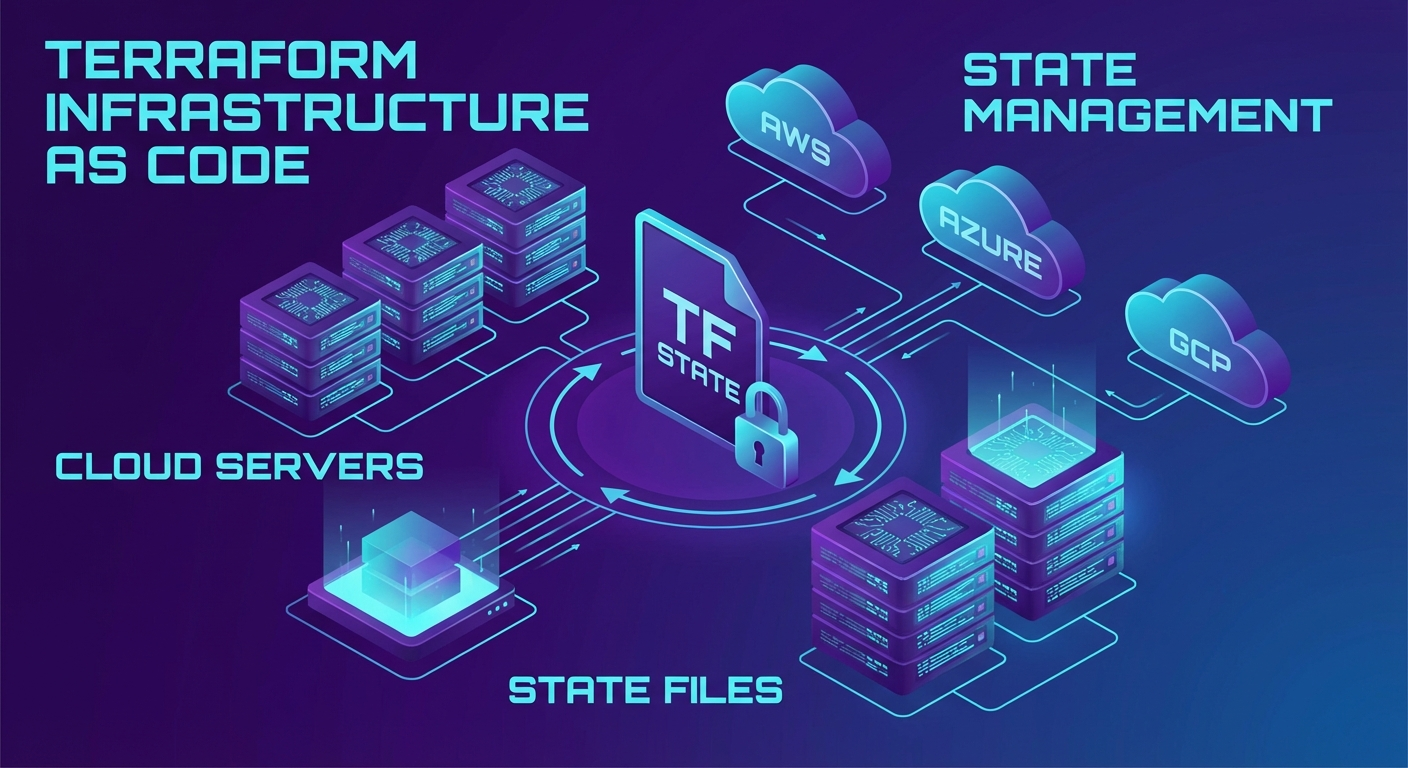
Terraform을 혼자 사용할 때는 로컬 terraform.tfstate 파일로도 충분합니다. 하지만 팀 환경에서는 State 충돌, 동시 수정, State 유실 같은 문제가 발생합니다. 이 글에서는 Terraform State를 안전하게 관리하는 방법을 실전 예제와 함께 다룹니다.
Terraform State란?
Terraform State는 인프라의 현재 상태를 추적하는 JSON 파일입니다.
# State 파일 확인
cat terraform.tfstate | jq '.resources[0]'
{
  "mode": "managed",
  "type": "aws_instance",
  "name": "web",
  "provider": "provider[\"registry.terraform.io/hashicorp/aws\"]",
  "instances": [
    {
      "attributes": {
        "id": "i-0abc123def456789",
        "ami": "ami-0c55b159cbfafe1f0",
        "instance_type": "t3.medium"
      }
    }
  ]
}
State가 중요한 이유
- 매핑: Terraform 코드 ↔ 실제 리소스 매핑
- 의존성 추적: 리소스 간 의존 관계 기록
- 성능: API 호출 최소화 (State에서 먼저 확인)
- 협업: 팀원 간 인프라 상태 공유
Remote Backend 구성
AWS S3 + DynamoDB
가장 대중적인 Remote Backend 구성입니다:
# backend.tf - S3 Backend 설정
terraform {
  backend "s3" {
    bucket         = "my-terraform-state-bucket"
    key            = "prod/networking/terraform.tfstate"
    region         = "ap-northeast-2"
    encrypt        = true
    dynamodb_table = "terraform-state-lock"

    # 추가 보안 설정
    kms_key_id     = "alias/terraform-state"
  }
}
S3 버킷 생성 (부트스트랩)
# bootstrap/main.tf - State 저장소 부트스트랩
provider "aws" {
  region = "ap-northeast-2"
}

resource "aws_s3_bucket" "terraform_state" {
  bucket = "my-terraform-state-bucket"

  lifecycle {
    prevent_destroy = true
  }
}

resource "aws_s3_bucket_versioning" "terraform_state" {
  bucket = aws_s3_bucket.terraform_state.id
  versioning_configuration {
    status = "Enabled"
  }
}

resource "aws_s3_bucket_server_side_encryption_configuration" "terraform_state" {
  bucket = aws_s3_bucket.terraform_state.id
  rule {
    apply_server_side_encryption_by_default {
      sse_algorithm     = "aws:kms"
      kms_master_key_id = aws_kms_key.terraform_state.arn
    }
  }
}

resource "aws_s3_bucket_public_access_block" "terraform_state" {
  bucket = aws_s3_bucket.terraform_state.id

  block_public_acls       = true
  block_public_policy     = true
  ignore_public_acls      = true
  restrict_public_buckets = true
}

# DynamoDB for State Locking
resource "aws_dynamodb_table" "terraform_lock" {
  name         = "terraform-state-lock"
  billing_mode = "PAY_PER_REQUEST"
  hash_key     = "LockID"

  attribute {
    name = "LockID"
    type = "S"
  }
}

# KMS Key for encryption
resource "aws_kms_key" "terraform_state" {
  description             = "KMS key for Terraform state encryption"
  deletion_window_in_days = 30
  enable_key_rotation     = true
}

resource "aws_kms_alias" "terraform_state" {
  name          = "alias/terraform-state"
  target_key_id = aws_kms_key.terraform_state.key_id
}
# 부트스트랩 실행 (로컬 State로 먼저 생성)
cd bootstrap
terraform init
terraform apply

# 부트스트랩 자체의 State도 S3로 마이그레이션 가능
GCS (Google Cloud Storage)
terraform {
  backend "gcs" {
    bucket  = "my-terraform-state"
    prefix  = "prod/networking"

    # GCS는 자체적으로 State Locking 지원
    # 별도 DynamoDB 같은 Lock 테이블 불필요
  }
}
# GCS 버킷 생성
gsutil mb -p my-project -l asia-northeast3 gs://my-terraform-state
gsutil versioning set on gs://my-terraform-state
Azure Blob Storage
terraform {
  backend "azurerm" {
    resource_group_name  = "terraform-state-rg"
    storage_account_name = "tfstate2026"
    container_name       = "tfstate"
    key                  = "prod/networking/terraform.tfstate"

    # Azure Blob Lease로 자동 Locking
  }
}
State Locking 심화
DynamoDB Lock 동작 원리
# Lock 획득 과정
# 1. terraform apply 실행
# 2. DynamoDB에 LockID 항목 생성 (PutItem with ConditionExpression)
# 3. 다른 사용자가 apply 시도하면 Lock 충돌 에러

# Lock 상태 확인
aws dynamodb get-item \
  --table-name terraform-state-lock \
  --key '{"LockID": {"S": "my-terraform-state-bucket/prod/networking/terraform.tfstate"}}' \
  | jq '.Item.Info.S | fromjson'
Lock이 걸려있을 때
# Lock 정보 확인
terraform force-unlock <LOCK_ID>

# 주의: force-unlock은 정말 Lock이 잘못 남아있을 때만 사용
# 다른 사용자가 작업 중이면 State가 깨질 수 있음
Lock 타임아웃 설정
# Lock 대기 시간 설정 (기본 0s = 즉시 실패)
terraform apply -lock-timeout=5m
State 분리 전략
환경별 분리
terraform/
├── modules/
│   ├── networking/
│   ├── compute/
│   └── database/
├── environments/
│   ├── dev/
│   │   ├── main.tf
│   │   └── backend.tf  # key = "dev/terraform.tfstate"
│   ├── staging/
│   │   ├── main.tf
│   │   └── backend.tf  # key = "staging/terraform.tfstate"
│   └── prod/
│       ├── main.tf
│       └── backend.tf  # key = "prod/terraform.tfstate"
Workspace 활용
# Workspace 생성
terraform workspace new dev
terraform workspace new staging
terraform workspace new prod

# Workspace 전환
terraform workspace select prod

# 현재 Workspace 확인
terraform workspace show
# workspace에 따라 설정 분기
locals {
  env = terraform.workspace

  instance_type = {
    dev     = "t3.small"
    staging = "t3.medium"
    prod    = "t3.large"
  }
}

resource "aws_instance" "web" {
  instance_type = local.instance_type[local.env]
  # ...
}
Terragrunt으로 DRY하게 관리
# terragrunt.hcl (루트)
remote_state {
  backend = "s3"
  generate = {
    path      = "backend.tf"
    if_exists = "overwrite_terragrunt"
  }
  config = {
    bucket         = "my-terraform-state"
    key            = "${path_relative_to_include()}/terraform.tfstate"
    region         = "ap-northeast-2"
    encrypt        = true
    dynamodb_table = "terraform-state-lock"
  }
}
# environments/prod/networking/terragrunt.hcl
include "root" {
  path = find_in_parent_folders()
}

terraform {
  source = "../../../modules/networking"
}

inputs = {
  vpc_cidr = "10.0.0.0/16"
  environment = "prod"
}
State 마이그레이션
로컬 → Remote
# 1. backend.tf에 Remote Backend 설정 추가
# 2. terraform init 실행
terraform init

# Terraform이 자동으로 마이그레이션 제안
# "Do you want to copy existing state to the new backend?"
# → yes 입력
State 간 리소스 이동
# State에서 리소스 제거 (실제 인프라는 유지)
terraform state rm aws_instance.old_web

# 다른 State로 리소스 가져오기
terraform import aws_instance.new_web i-0abc123def456789

# State 간 이동 (Terraform 1.1+)
terraform state mv -state-out=../other/terraform.tfstate \
  aws_instance.web aws_instance.web
moved 블록 (Terraform 1.1+)
# 리소스 이름 변경 시 State 자동 업데이트
moved {
  from = aws_instance.web
  to   = aws_instance.web_server
}

moved {
  from = module.old_vpc
  to   = module.networking
}
State 백업과 복구
S3 버전 관리로 복구
# State 파일 버전 목록 확인
aws s3api list-object-versions \
  --bucket my-terraform-state \
  --prefix prod/networking/terraform.tfstate \
  | jq '.Versions[:5] | .[] | {VersionId, LastModified, Size}'

# 특정 버전으로 복구
aws s3api get-object \
  --bucket my-terraform-state \
  --key prod/networking/terraform.tfstate \
  --version-id "abc123" \
  terraform.tfstate.backup

# 복구된 State를 push
terraform state push terraform.tfstate.backup
State 백업 자동화
#!/bin/bash
# backup-state.sh
DATE=$(date +%Y%m%d-%H%M%S)
BUCKET="my-terraform-state-backup"

# 모든 State 파일 백업
aws s3 sync s3://my-terraform-state/ s3://$BUCKET/$DATE/ \
  --include "*.tfstate"

echo "Backup completed: $BUCKET/$DATE"
보안 베스트 프랙티스
1. State 파일 암호화
# S3 SSE-KMS 암호화 (필수)
backend "s3" {
  encrypt    = true
  kms_key_id = "alias/terraform-state"
}
2. IAM 정책 최소 권한
{
  "Version": "2012-10-17",
  "Statement": [
    {
      "Effect": "Allow",
      "Action": ["s3:GetObject", "s3:PutObject", "s3:DeleteObject"],
      "Resource": "arn:aws:s3:::my-terraform-state/*"
    },
    {
      "Effect": "Allow",
      "Action": ["s3:ListBucket"],
      "Resource": "arn:aws:s3:::my-terraform-state"
    },
    {
      "Effect": "Allow",
      "Action": ["dynamodb:GetItem", "dynamodb:PutItem", "dynamodb:DeleteItem"],
      "Resource": "arn:aws:dynamodb:*:*:table/terraform-state-lock"
    }
  ]
}
3. sensitive 값 보호
# State에 민감 데이터가 포함될 수 있음
output "db_password" {
  value     = aws_db_instance.main.password
  sensitive = true
}

# terraform.tfstate에서 직접 확인은 가능하므로
# State 파일 자체의 접근 제어가 중요
마무리
Terraform State 관리는 IaC의 기반입니다. 핵심 포인트:
- Remote Backend 필수: S3/GCS + Locking으로 팀 협업 안전하게
- State 분리: 환경/서비스별로 State를 분리하여 blast radius 최소화
- 버전 관리: S3 Versioning으로 State 복구 가능하게
- 보안: 암호화 + IAM 최소 권한 + sensitive 마킹
📝 퀴즈 (6문제)
Q1. Terraform State의 주요 역할 3가지는? 리소스 매핑, 의존성 추적, API 호출 최소화(성능)
Q2. AWS에서 State Locking에 사용되는 서비스는? DynamoDB
Q3. GCS Backend에서 별도의 Lock 테이블이 필요 없는 이유는? GCS가 자체적으로 Object Locking을 지원하기 때문
Q4. terraform force-unlock은 언제 사용해야 하는가? Lock이 비정상적으로 남아있을 때만 사용. 다른 사용자가 작업 중이면 사용하면 안 됨
Q5. moved 블록의 용도는? 리소스 이름 변경 시 State를 자동 업데이트하여 리소스 재생성을 방지
Q6. State 파일에 sensitive 값이 포함될 수 있으므로 어떤 보안 조치가 필요한가? State 파일 자체의 암호화(SSE-KMS)와 IAM 접근 제어
현재 단락 (1/235)
Terraform을 혼자 사용할 때는 로컬 `terraform.tfstate` 파일로도 충분합니다. 하지만 팀 환경에서는 **State 충돌**, **동시 수정**, **State...