- Authors
- Name
Overview
The typical way to work with data in HDFS is to write a MapReduce program. MapReduce offers high flexibility, but requires significant study and trial-and-error to use properly. And the biggest drawback is that it is difficult, resulting in low productivity. Hive converts developer-friendly SQL into MapReduce jobs. (Recently, it is said that Hive uses much faster engines like Spark or Tez instead of MapReduce.) Therefore, even developers who only know SQL can store, query, and extract useful information from data on HDFS. Let's explore how useful Hive is by working with data provided by MovieLens using Hive queries.
Data Preparation
Download
We will use the 100k dataset provided by https://grouplens.org/datasets/movielens/ from the GroupLens site.
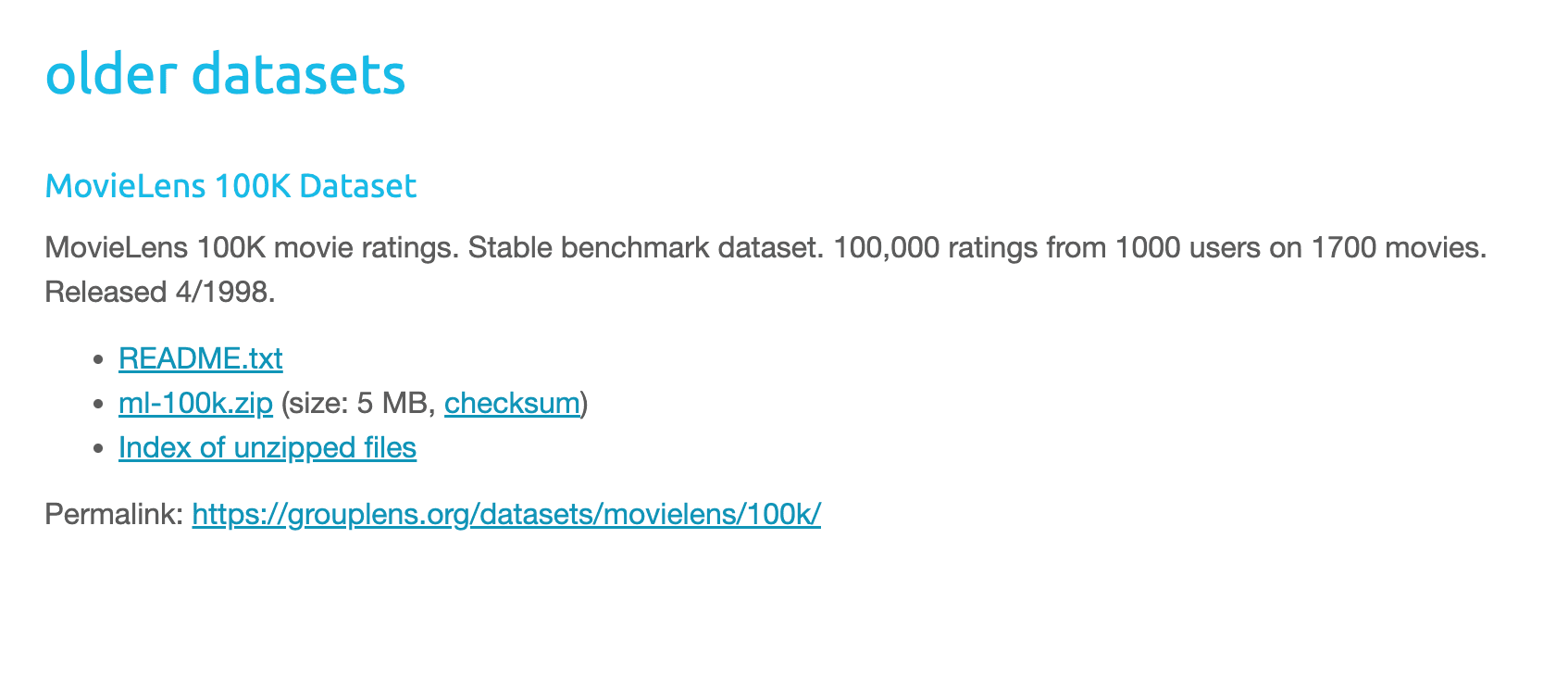
wget https://files.grouplens.org/datasets/movielens/ml-100k.zip
unzip ml-100k.zip
hadoop fs -cp ml-100k/u.data /tmp
Creating a Hive Table
Launch the hive shell and create the u_data table using the following command.
use default

CREATE TABLE IF NOT EXISTS u_data(
    userid INT,
    movieid INT,
    rating INT,
    unixtime TIMESTAMP
    )
ROW FORMAT DELIMITED
FIELDS TERMINATED BY '\t'
STORED AS TEXTFILE;
LOAD DATA INPATH 'hdfs:///tmp/u.data' overwrite into table u_data;
Verify that the u_data table was created successfully.
hive> show databases;
OK
default
userdb
Time taken: 0.312 seconds, Fetched: 2 row(s)
hive> use default;
OK
Time taken: 0.023 seconds
hive> show tables;
OK
u_data
Time taken: 0.044 seconds, Fetched: 1 row(s)
Also verify that the table was created properly on HDFS.
root@ubuntu01:~# hdfs dfs -ls /user/hive/warehouse
Found 2 items
drwxr-xr-x   - root supergroup          0 2022-11-22 18:52 /user/hive/warehouse/u_data
drwxr-xr-x   - root supergroup          0 2022-11-22 18:43 /user/hive/warehouse/userdb.db
Query
table schema
hive> describe  u_data;
OK
userid              	int
movieid             	int
rating              	int
unixtime            	timestamp
Time taken: 0.087 seconds, Fetched: 4 row(s)
row count
Let's run a query to print the total number of rows in the u_data table.
hive> select count(*) from u_data;
OK
100000
Time taken: 20.914 seconds, Fetched: 1 row(s)
We can confirm that the u_data table has 100k (100,000) rows.
distinct movieid
hive> select count(distinct movieid) from u_data;
OK
1682
Number of Movie Types
Using the distinct command, we can count the number of movieids.
hive> select count(distinct movieid) from u_data;
OK
1682
Average Rating per Movie
To calculate the average rating per movie, you can use the following command. The GROUP BY command allows you to perform aggregate operations.
hive> select movieid, avg(rating) from u_data group by movieid;
Movie Rating Rankings
Using the SORT BY my_column (ASC|DESC) command, you can sort and display results in descending order based on the my_column column.
hive> select movieid, avg(rating) as avg_rating from u_data group by movieid sort by avg_rating DESC;