- Authors
- Name
- Introduction
- Core Concepts: Authentication vs Authorization
- The 4 Roles in OAuth 2.0
- Grant Types
- Token Types Comparison
- JWT (JSON Web Token) Structure
- OpenID Connect (OIDC) — OAuth + Authentication
- Security Checklist
- Real-World Example: Anthropic OAuth Issue
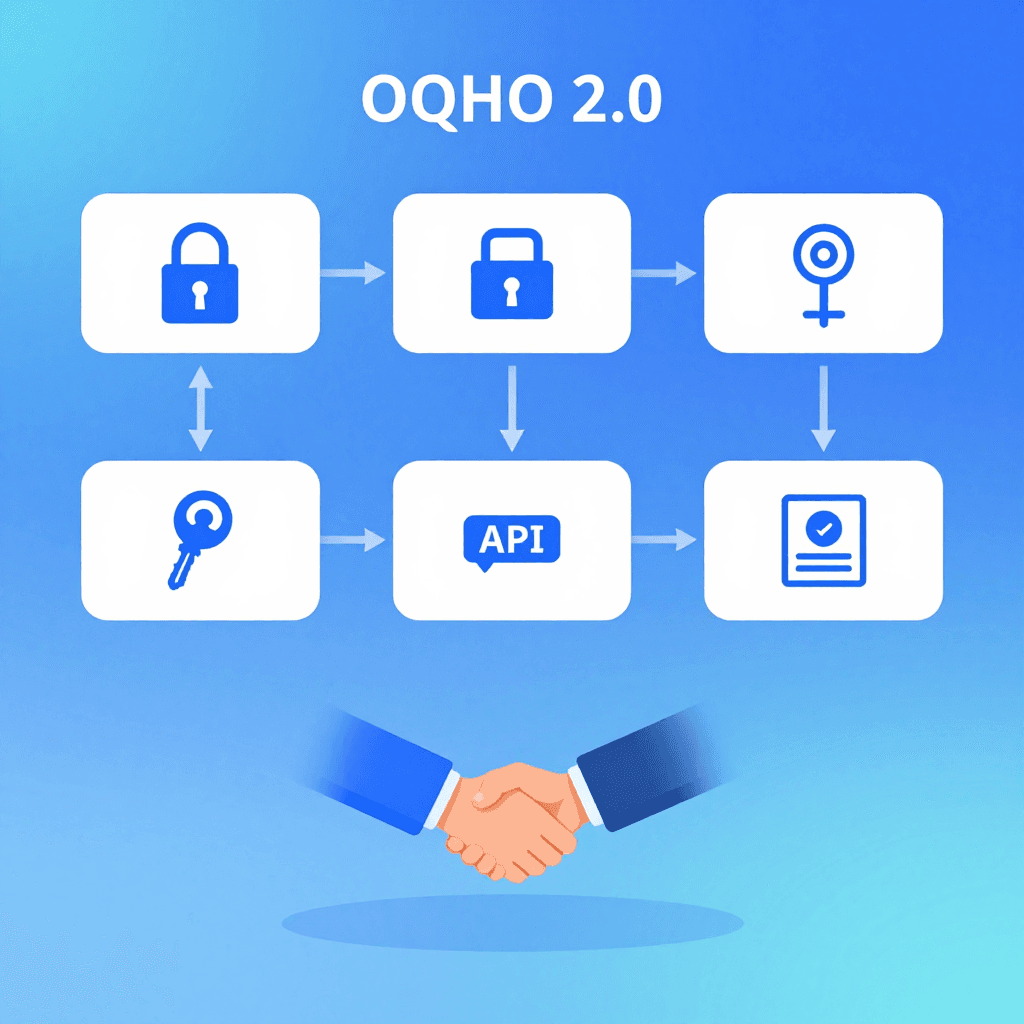
Introduction
What happens when you click the "Sign in with Google" button? Behind that single click, an elaborate protocol called OAuth 2.0 is at work.
Understanding OAuth clarifies social login, API authentication, inter-microservice communication, and even Anthropic's Claude API authentication policies.
Core Concepts: Authentication vs Authorization
Authentication: "Who are you?"
  → Proving that the user is who they claim to be
  → ID/password, biometrics, OTP

Authorization: "What are you allowed to do?"
  → Granting permissions to an authenticated user
  → Can this app read your Google Calendar?

OAuth 2.0 = Authorization framework
OpenID Connect = Authentication added on top of OAuth 2.0
The 4 Roles in OAuth 2.0
┌──────────────┐
│ Resource Owner│  ← User
└──────┬───────┘
       │ "Allow this app to access my calendar"
       ▼
┌──────────────┐     ┌──────────────────┐
│    Client    │────▶│ Authorization    │
│  (Our App)   │◀────│    Server        │
└──────┬───────┘     │  (Google OAuth)  │
       │             └──────────────────┘
       │ Access Token
       ▼
┌──────────────┐
│  Resource    │
│   Server     │  ← Google Calendar API
└──────────────┘
Grant Types
1. Authorization Code (The Most Important!)
The most widely used grant type for web applications.
[1] User → Our App: Clicks "Sign in with Google"
[2] Our App → Google: Redirect (client_id, redirect_uri, scope)
[3] User → Google: Log in + Click "Allow"
[4] Google → Our App: redirect_uri?code=AUTH_CODE
[5] Our App → Google: AUTH_CODE + client_secret → Access Token
[6] Our App → Google API: Request data with Access Token
# Step 2: Generate Authorization request URL
import urllib.parse

auth_url = "https://accounts.google.com/o/oauth2/v2/auth?" + urllib.parse.urlencode({
    "client_id": "YOUR_CLIENT_ID.apps.googleusercontent.com",
    "redirect_uri": "https://yourapp.com/callback",
    "response_type": "code",
    "scope": "openid email profile https://www.googleapis.com/auth/calendar.readonly",
    "state": "random_csrf_token_abc123",  # CSRF prevention!
    "access_type": "offline",  # Also receive a Refresh Token
})
# → Redirect the user to this URL

# Step 5: Exchange Authorization Code for Access Token
import requests

token_response = requests.post("https://oauth2.googleapis.com/token", data={
    "code": "AUTH_CODE_FROM_CALLBACK",
    "client_id": "YOUR_CLIENT_ID",
    "client_secret": "YOUR_CLIENT_SECRET",  # Server-side only!
    "redirect_uri": "https://yourapp.com/callback",
    "grant_type": "authorization_code",
})

tokens = token_response.json()
# {
#   "access_token": "ya29.xxx...",      ← For API calls (1 hour)
#   "refresh_token": "1//xxx...",        ← For renewal (permanent)
#   "id_token": "eyJhbGci...",           ← User info (OIDC)
#   "expires_in": 3600,
#   "token_type": "Bearer"
# }

# Step 6: API call
calendar = requests.get(
    "https://www.googleapis.com/calendar/v3/calendars/primary/events",
    headers={"Authorization": f"Bearer {tokens['access_token']}"}
)
Why is it so complex?
- The Authorization Code is exposed in the browser URL, but it is single-use and useless on its own
- The Access Token exchange happens via server-to-server communication (client_secret is protected)
- The Secret is never exposed to the frontend
2. Authorization Code + PKCE (Essential for Mobile/SPA!)
Mobile apps and SPAs (React, etc.) have no safe place to store a client_secret.
import hashlib
import base64
import secrets

# Client generates a code_verifier (secret value)
code_verifier = secrets.token_urlsafe(64)
# "dBjftJeZ4CVP-mB92K27uhbUJU1p1r_wW1gFWFOEjXk..."

# code_challenge = SHA256(code_verifier) → Base64URL
code_challenge = base64.urlsafe_b64encode(
    hashlib.sha256(code_verifier.encode()).digest()
).rstrip(b'=').decode()

# Include challenge in the Authorization request
auth_url = f"...&code_challenge={code_challenge}&code_challenge_method=S256"

# Submit verifier during Token exchange (instead of Secret!)
token_response = requests.post("https://oauth2.googleapis.com/token", data={
    "code": auth_code,
    "client_id": "YOUR_CLIENT_ID",
    "code_verifier": code_verifier,  # Verified instead of Secret!
    "redirect_uri": "...",
    "grant_type": "authorization_code",
})
The key point of PKCE: Even if the Auth Code is intercepted, the Token cannot be obtained without the code_verifier.
3. Client Credentials (Server-to-Server Communication)
# Direct server-to-server authentication without user involvement
# Example: Our backend → Google Cloud API
token = requests.post("https://oauth2.googleapis.com/token", data={
    "client_id": "SERVICE_CLIENT_ID",
    "client_secret": "SERVICE_CLIENT_SECRET",
    "grant_type": "client_credentials",
    "scope": "https://www.googleapis.com/auth/cloud-platform",
})
4. Refresh Token (Renewal)
# Access Token expired (1 hour) → Renew with Refresh Token
new_tokens = requests.post("https://oauth2.googleapis.com/token", data={
    "refresh_token": "1//xxx...",
    "client_id": "YOUR_CLIENT_ID",
    "client_secret": "YOUR_CLIENT_SECRET",
    "grant_type": "refresh_token",
})
# New Access Token issued (Refresh Token is retained)
Token Types Comparison
| Token | Lifetime | Purpose | Storage |
|---|---|---|---|
| Authorization Code | Seconds | One-time Token exchange | URL parameter (consumed immediately) |
| Access Token | 1 hour | API calls | Memory (browser) / DB (server) |
| Refresh Token | Permanent (revocable) | Access Token renewal | Server DB (store securely!) |
| ID Token (OIDC) | 1 hour | User identity verification | Memory |
JWT (JSON Web Token) Structure
Access Tokens and ID Tokens are typically in JWT format:
eyJhbGciOiJSUzI1NiJ9.eyJzdWIiOiIxMjM0NTY3ODkwIiwibmFtZSI6Ik...
├── Header ──────────┤├── Payload ─────────────────────────────...
import base64
import json

jwt = "eyJhbGciOiJSUzI1NiJ9.eyJzdWIiOiIxMjM0NTY3ODkwIn0.signature"

# Header
header = json.loads(base64.urlsafe_b64decode(jwt.split('.')[0] + '=='))
# {"alg": "RS256", "typ": "JWT"}

# Payload
payload = json.loads(base64.urlsafe_b64decode(jwt.split('.')[1] + '=='))
# {"sub": "1234567890", "name": "Youngju Kim", "iat": 1709420400}

# Signature = RS256(header + "." + payload, private_key)
# → Verified with the server's public key (tamper-proof)
OpenID Connect (OIDC) — OAuth + Authentication
OAuth 2.0 alone cannot tell "who this user is"
→ OIDC adds the id_token to provide user information

Add "openid" to scope → id_token is issued
Add "profile email" to scope → name and email included
Security Checklist
Do: Use the state parameter to prevent CSRF
Do: Use PKCE (essential for SPA/mobile)
Do: Match redirect_uri exactly (no wildcards)
Do: Store Refresh Tokens only on the server
Do: Send Access Tokens only via Authorization header
Do: Require HTTPS (prevent Token interception)
Don't: Put Access Tokens in URL parameters
Don't: Expose client_secret to the frontend
Don't: Store Tokens in localStorage (XSS vulnerable)
Real-World Example: Anthropic OAuth Issue
Anthropic's recent OAuth policy change is relevant in this context:
Before: Claude Pro subscription → OAuth Token → Third-party apps (OpenClaw, etc.)
After:  OAuth Token can only be used with Claude.ai / Claude Code
Reason: Prevent Token arbitrage (subscription cost less than API token value)
Alternative: Use Anthropic API Key (pay-as-you-go)
Quiz — OAuth 2.0 (Click to reveal!)
Q1. What is the difference between Authentication and Authorization in OAuth 2.0? ||Authentication: Verifying who the user is. Authorization: Granting an authenticated user access to specific resources. OAuth 2.0 is an authorization framework, and OIDC adds authentication.||
Q2. Why is the Authorization Code single-use in the Authorization Code Grant? ||The Code is exposed in the browser URL so there is a risk of interception. Being single-use and unusable without client_secret makes it worthless on its own.||
Q3. What is the relationship between code_verifier and code_challenge in PKCE? ||code_challenge = Base64URL encoding of SHA256(code_verifier). The challenge is sent during the authorization request, and the verifier is sent during token exchange for server-side verification.||
Q4. Why should you not store the Refresh Token in localStorage? ||XSS attacks can allow JavaScript to read localStorage. Since Refresh Tokens are long-lived, interception enables persistent access. They should be stored in httpOnly cookies or a server-side DB.||
Q5. In what situations is the Client Credentials Grant used? ||Direct server-to-server authentication without user involvement. Example: A backend service accessing another API server. Token is issued using only client_id + client_secret.||
Q6. What attack becomes possible without the state parameter? ||CSRF attack — An attacker can send an Authorization Code issued for their own account to the victim's callback URL, causing the victim to be logged into the attacker's account.||
Q7. What does the JWT Signature guarantee? ||It guarantees that the token contents (Header + Payload) have not been tampered with. Signed with the server's Private Key and verified with the Public Key. Note that this is not encryption — anyone can read the Payload by Base64 decoding it.||